
Onramper Accounts: Global USD and EUR Access via Stablecoins
Generate dedicated U.S. and EU payment details, accept ACH, wire, or SEPA, and receive stablecoins directly to a wallet.
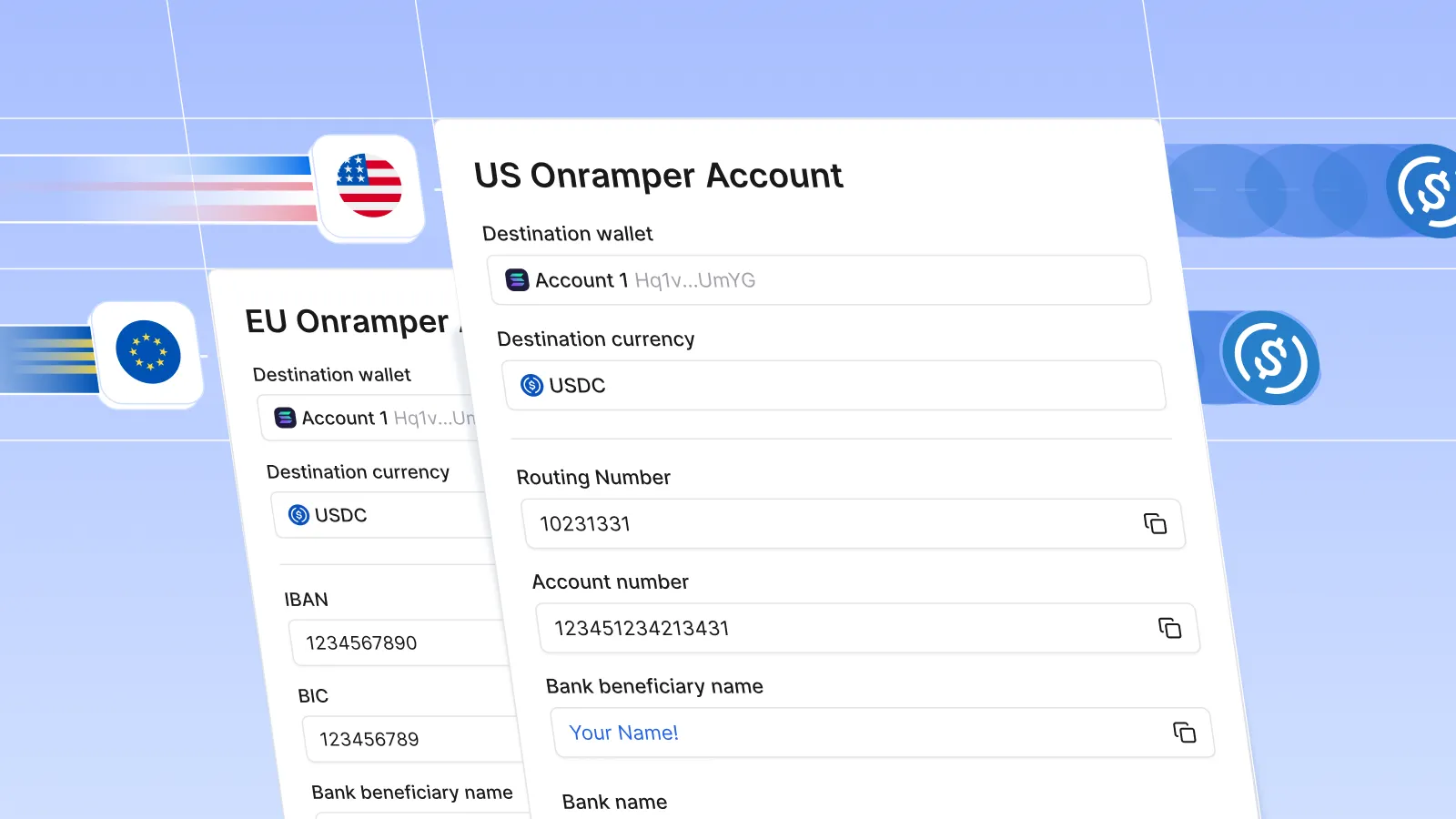
Getting paid across borders is still harder than the work itself
For decades, receiving payments across borders has been more complex than it should be. For individuals and businesses outside the U.S. or Europe, being paid by U.S. or EU companies often comes with friction: wires, delays, FX fees, unfamiliar payment flows, or tools that don’t match how companies already operate.
For many people, crossing a border financially still feels like starting over.
Onramper Accounts are built to change that. They extend access to domestic USD and EUR payment rails globally, while allowing businesses to pay the same way they already do.
Get paid like a local, even if you live abroad
With Onramper Accounts, SpherePay provides dedicated U.S. or EU payment details that route funds directly to a linked wallet address.
From the payer’s perspective, nothing changes. They send a standard bank transfer in USD or EUR using ACH, wire, or SEPA.
Behind the scenes, SpherePay automatically converts the funds into stablecoins and delivers them directly to the recipient’s wallet.
No exchanges.
No dashboards.
No manual conversions.
Just a familiar bank transfer, delivered globally.
How Onramper Accounts work
- A SpherePay customer creates an Onramper Account
- SpherePay provisions dedicated U.S. or EU payment details
- Funds are sent via ACH, wire, or SEPA
- USD or EUR is automatically converted to stablecoins
- Stablecoins are delivered directly to the linked wallet
Once set up, the flow runs end-to-end without manual steps.
Built for global work, not global friction
Onramper Accounts are designed for teams paying people across borders at scale, including:
- Contractors and freelancers working with U.S. or EU companies
- Platforms paying global users, creators, or operators
- Businesses replacing slow and expensive international payouts
- Anyone who wants cross-border payments to feel predictable and reliable
By extending domestic payment rails globally, Onramper Accounts let people get paid the same way companies already pay today.
USD and EUR, available globally
Onramper Accounts currently support:
Fiat currencies
- USD
- EUR
Stablecoins
- USDC on Ethereum, Solana, Base, Polygon, Arbitrum, Avalanche
- USDT on Ethereum and Tron
Accounts are available to end users globally, excluding sanctioned or restricted regions.
Coming soon: EUR to EURC.
Designed for developers, invisible to users
Onramper Accounts are API-first today, built for teams integrating SpherePay directly into their products.
SpherePay handles:
- Bank integrations
- Fiat-to-stablecoin conversion
- Compliance and monitoring
- Secure delivery to wallets
Your users just get paid.
Onramper Accounts are coming to the Sphere dashboard soon, where they will become the default way to onramp funds.
Early access for existing Sphere customers
While we roll out full dashboard support, Onramper Accounts are available through an early-access pilot for existing Sphere customers.
You can request access via:
- The form linked in your email
- The banner in the Sphere dashboard
- The request form linked here
Once approved, we’ll provision your U.S. or EU payment details and share them with you by email.
From there, you can:
- Save the payment details as a contact
- Send funds the same way you already do
- Receive stablecoins automatically to your wallet
No new workflow. No new tools.
Why we built this
We’ve seen firsthand how much progress slows when money can’t move easily. When getting paid across borders feels fragile, delayed, or risky, opportunity narrows.
Onramper Accounts are a step toward a simpler idea:
Global work should be paid like local work.
Getting started
Onramper Accounts are available today via API and through early access for existing Sphere customers.
Check your email, follow the banner in the dashboard, or request access here to get started.
P.S. USD to USDC and EUR to USDC onramps are free through the rest of January.

Subscribe to Sphere Blog
No spam. Just the latest releases and tips, interesting articles, and exclusive interviews in your inbox every week.

Faster Onboarding for API Integrators
Sphere's updated onboarding defaults mean API integrators can reduce compliance steps. The result is fewer API calls, less duplicated work, and faster user activation.

EURC Support Is Now Live Across SpherePay's API
EURC is now supported across SpherePay's on-ramp and off-ramp flows on Base, Ethereum, and Solana. Settle to EUR via SEPA or USD via ACH and Wire, with no unnecessary conversion steps.